
Free card centering tool
Measure trading card centering free from a phone photo or scan. You get front and back left/right and top/bottom ratios for Pokémon, sports and any TCG. No card needs to be saved to use the on-screen tools.
How it works
- Photograph the card on a plain surface, or scan it, then open it in ScanStationIQ.
- The card is straightened and cropped. Centering is measured from the card's own borders.
- You see left/right and top/bottom ratios on screen. Saving cards and eBay downloads need a paid plan (Casual, Pro or Unlimited).
A sample result
Real output from the app. The sample card is made up for this page.
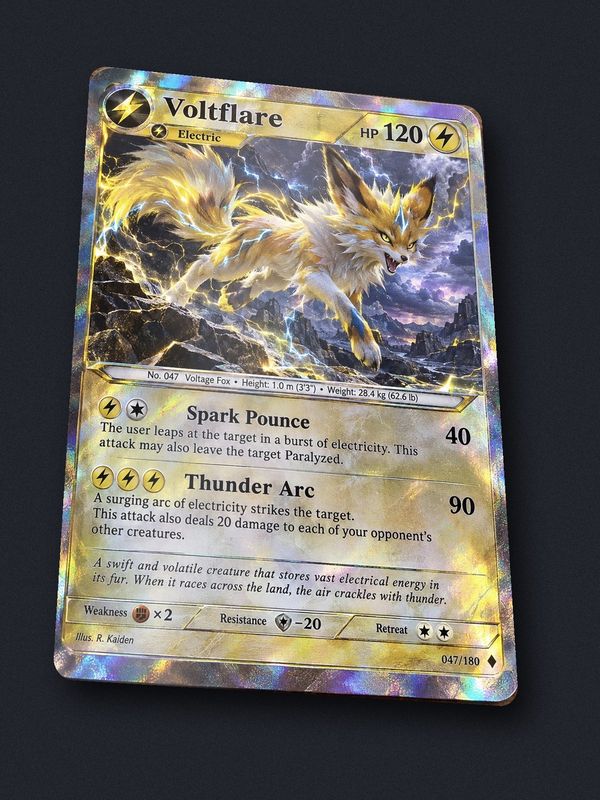
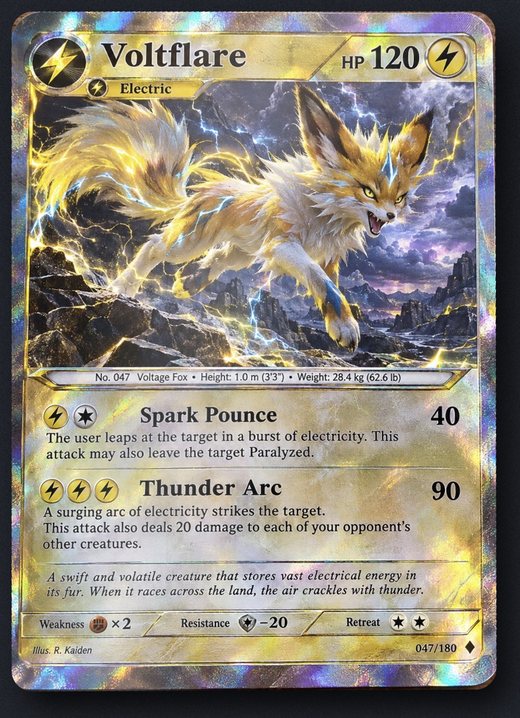 Centering L/R 54/46 · T/B 48/52
Estimates, not grades
Centering from photos is an estimate, not a grade.
ScanStationIQ is an independent tool and is not affiliated with, endorsed by, or sponsored by eBay, PSA, CGC, BGS (Beckett), TAG, or any card manufacturer. All trademarks belong to their owners. Centering and condition readings are estimates, not grades or grade predictions.
How to check card centering · How to photograph and list on eBay · Plans